

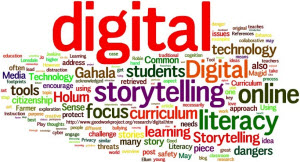
 In this activity you will express the product of your research, reflection and discussion about digital literacy in a visual way. You should not use a Wordle, but you may use any other static visual expression. Be creative and have fun.
- Create your visual image.
- Save it in a file that should not exceed 8Mb. Your file name should start with your personal name.
-
 Submit the file to your tutor for feedback using the upload area at the bottom of this page.
Assessment rubric
| 0-1 | 2-4 | 5-7 | 8-10 |
| The information is portrayed in text format and presented in a way that makes it difficult to understand. | The information is portrayed mostly in text format and/or presented in a way that could at times lead to misunderstanding. | The information is mostly portrayed visually in a plain way, but the viewer will be able to understand the information. | The information is portrayed in a visually creative way and the viewer will easily understand the information. |
| 0-1 | 2 | 3 | 4-5 |
| The layout of the image is very confusing and no main ideas come through strongly. | The layout of the image is is confusing in places and few main ideas are highlighted. Supporting information is not clearly linked to main ideas. | The layout of the image highlights most main points and supporting ideas are mostly well organised in relation to the main ideas. | The layout of the image makes it clear what the main points are and what supporting ideas relate to them. |
Once you have submitted your file and your tutor has recorded it you will be able to continue to the next lesson topic.
